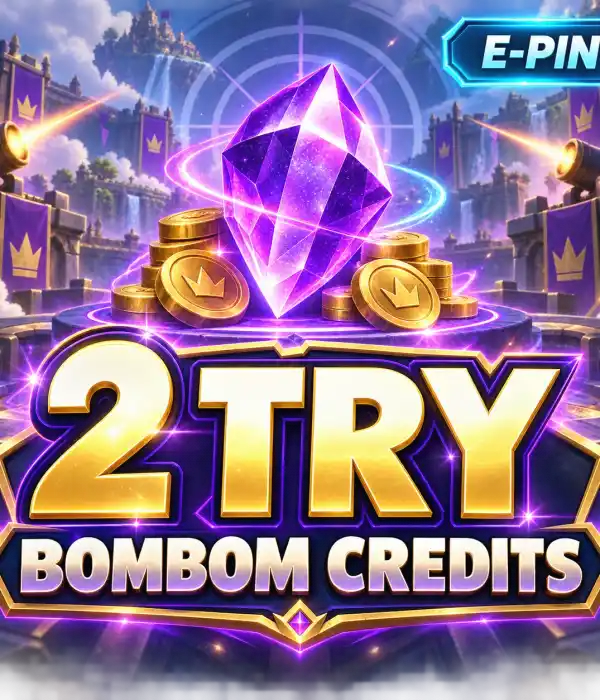
Bombom Credits

💜

Buy Bombom Credits - TR Digital Code Packages

Buy Bombom Credits packages securely through Durmaplay. Choose from 10 packages suitable for the PC platform and TR region, then receive your digital code quickly after payment approval.

⚡ Fast Digital Delivery🇹🇷 TR Region💻 PC Platform💜 10–2500 Credits🎟️ 300–75000 Kupon

💜 What Are Bombom Credits?

Bombom Credits, is a category of digital code packages for use with a Bombom account. Each package contains a specific amount of Credits and Kupon.

The category offers options for different needs, from 10 Credits / 300 Kupon up to 2500 Credits / 75000 Kupon. Check the package amount in the product title and description before completing your purchase.

Products in this category are listed for the PC platform and TR region. Make sure your account meets the product conditions before purchasing.

🇹🇷 Region and Platform Information

Bombom Credits products are offered for the TR region and PC platform. Check your Bombom account's region and platform information before using the product code.

⚡ Digital Code Delivery

Your digital code is delivered automatically after your payment is approved. No physical shipping is used. You do not need to enter a User ID, Server ID or Zone ID when ordering.

⚠️ Check the Package Amount

Each product has a different Credits and Kupon amount. Before completing the order, check the amounts in the product name, the TR region and the PC platform. Choosing the correct package is important for delivered digital products.

📦 Bombom Credits Packages

10 Credits300 Kupon
25 Credits750 Kupon
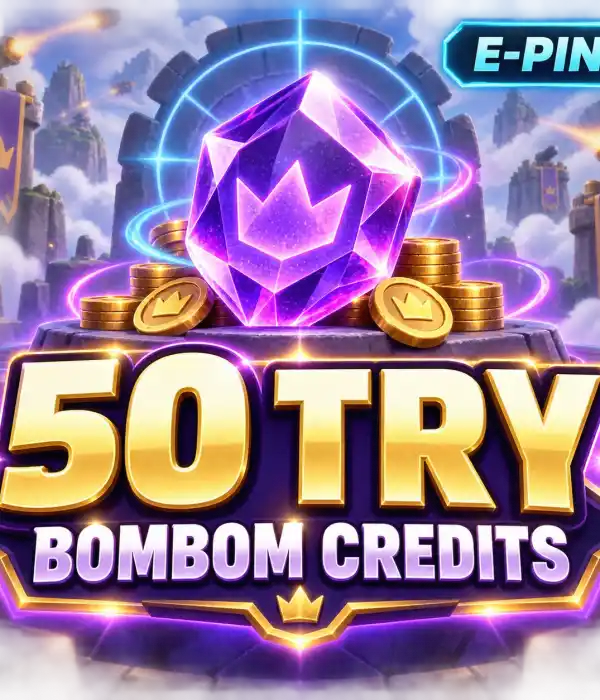
50 Credits1500 Kupon
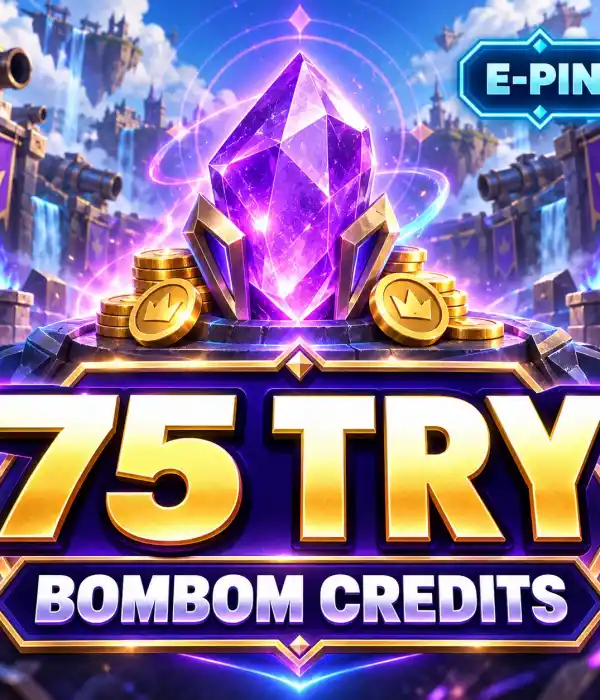
75 Credits2250 Kupon
150 Credits4500 Kupon
250 Credits7500 Kupon
375 Credits11250 Kupon
500 Credits15000 Kupon
1500 Credits45000 Kupon
2500 Credits75000 Kupon

🔍 Package Comparison

Package GroupCredits RangeKupon Range
Starter Packages10–75 Credits300–2250 Kupon
Medium Packages150–500 Credits4500–15000 Kupon
High Packages1500–2500 Credits45000–75000 Kupon

🛒 How to Buy Bombom Credits?

1

Choose a Package

Select the Credits and Kupon amount that suits your needs.

2

Check the Details

Review the TR region, PC platform and package amount.

3

Complete Payment

Add the product to your cart and complete the secure payment.

4

Receive the Code

Access your digital code automatically after payment approval.

🔑 How to Use a Bombom Credits Code?

Enter the delivered code completely in the official code redemption area specified for your Bombom account. As the screen or steps may change over time, follow the current product information and Bombom's official instructions.

Before using the code, make sure you are signed in to the correct Bombom account, that your account is suitable for the TR region, and check the Credits and Kupon amounts of your selected package again.

✅ Why Choose Durmaplay for Bombom Credits?

⚡ Fast digital delivery after payment approval
💜 10 different Credits and Kupon packages
💻 Product options suitable for the PC platform
🇹🇷 Clear product information for the TR region
🔐 Secure and encrypted payment infrastructure
🧾 Order without User ID or Server information

💜 Buy Bombom Credits

Choose the Credits and Kupon amount that suits your needs, check the product details and receive your digital code quickly after payment approval.

Choose a Bombom Package

❓ Frequently Asked Questions

When is the Bombom Credits code delivered?

The digital code is delivered automatically after payment approval. There is no physical shipping.

Is a User ID or Server ID required when ordering?

No. User ID, Server ID or Zone ID information is not requested for the digital code products in this category.

Which package should I choose?

Choose according to the Credits and Kupon amount you need. Both amounts are shown in each product's name and description.

Which region and platform are Bombom Credits products for?

Products in the category are listed for the TR region and PC platform. Check account compatibility before purchasing.

Is the digital code shipped physically?

No. The product is entirely digital and delivery is completed online.

ℹ️ Before You Buy

Check the Credits and Kupon amount in the product name.

Make sure your account is suitable for the TR region and PC platform.

Complete the transaction by choosing the correct package and the correct account for digital products.

Loading...