Left To Survive

🧟

Buy Left To Survive Gems and Gold - Automatic Loading with User ID

Buy Left To Survive Gems, Gold, and Offer packages on Durmaplay with secure payment, automatic loading using User ID, and fast delivery. Upgrade your base, strengthen your equipment preparation, and support your survival progress.

⚡ Automatic Loading🌍 Global📱 Android, iOS and PC✨ Gems, Gold and Offer🛡 Secure Payment

🎮 What are Left To Survive packages?

Left To Survive Gems and Gold in-game values used for base upgrades, equipment preparation, PvE/PvP progress, and special offers.

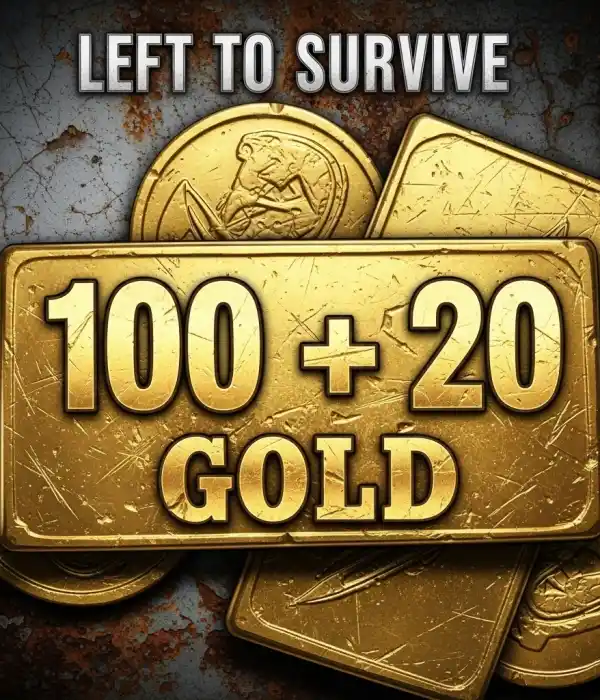
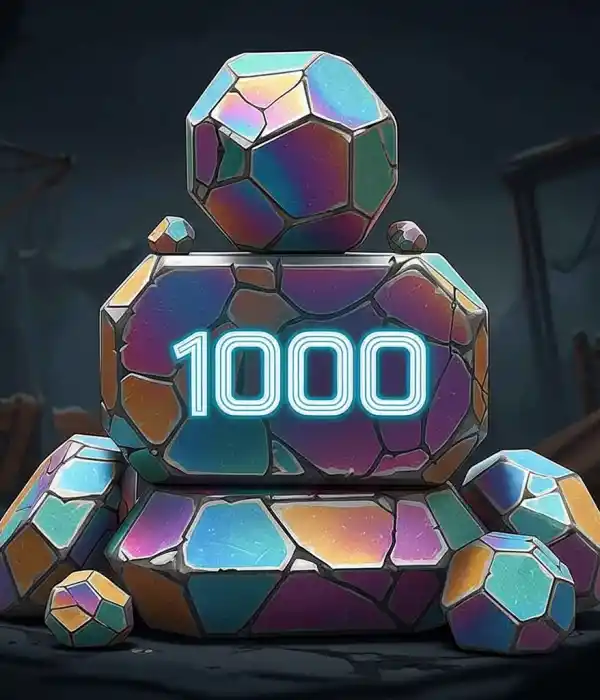
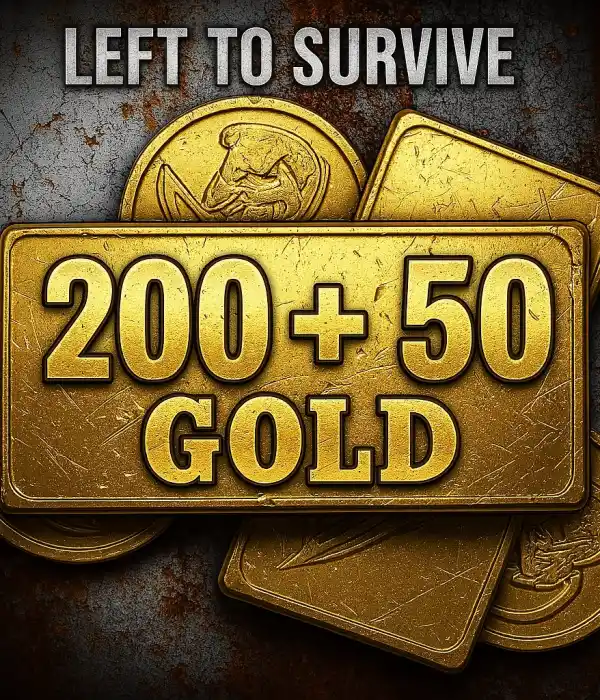
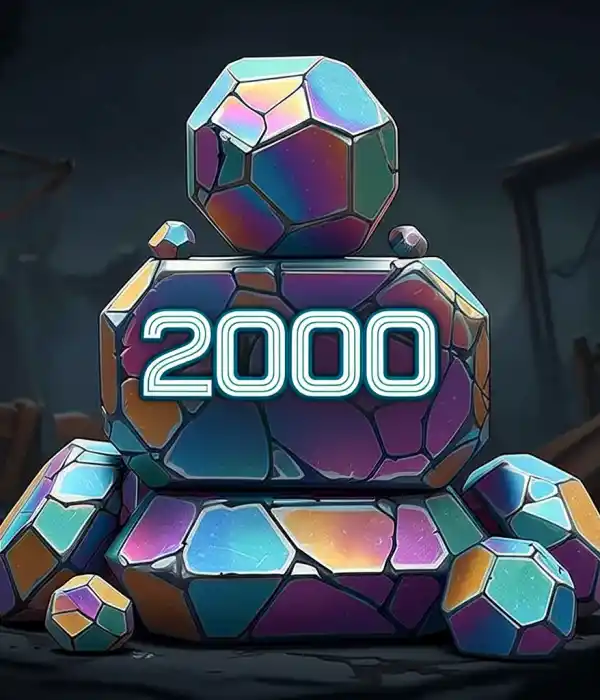
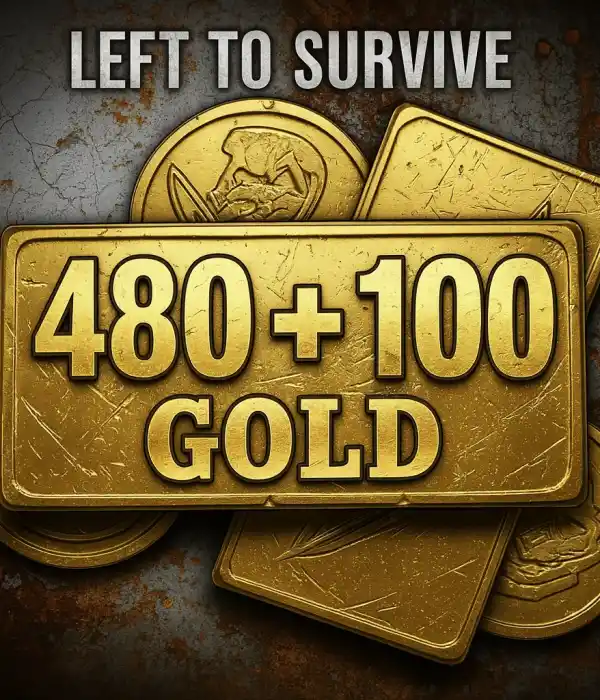
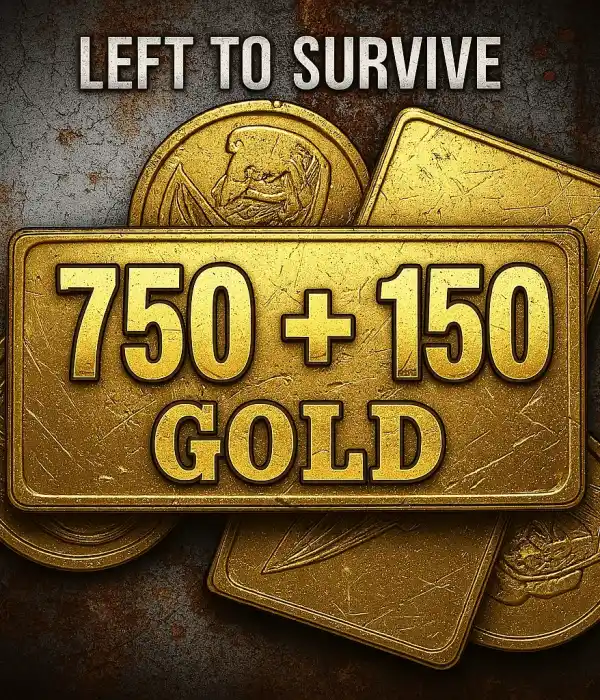
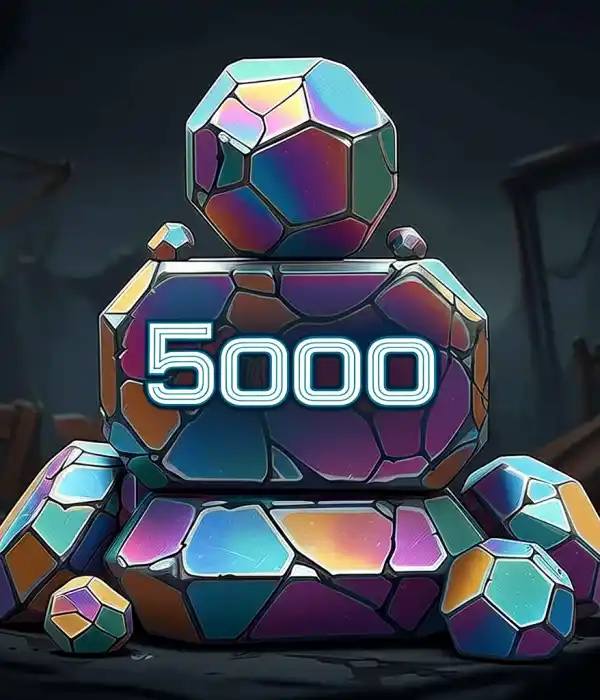
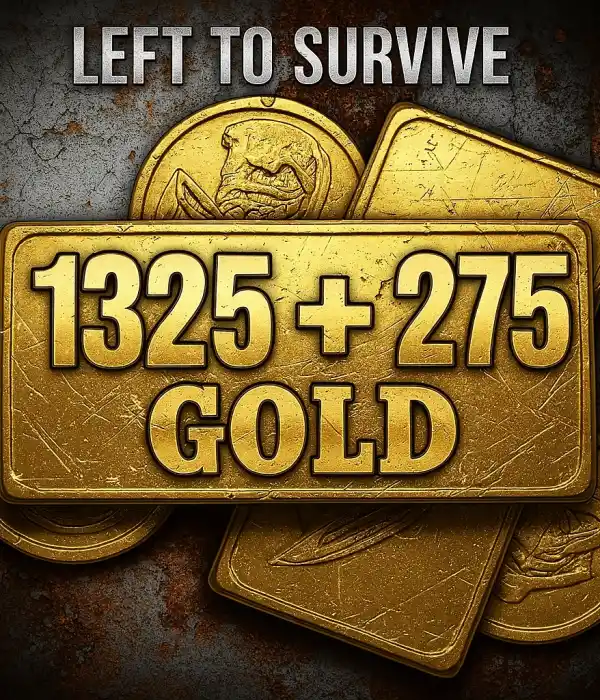
Durmaplay category products include Weekly Offer, Montlhy Offer, 500 Gems, 100 + 20 Gold, 1000 Gems, 200 + 50 Gold, 2000 Gems, 480 + 100 Gold, 750 + 150 Gold, 5000 Gems, 1325 + 275 Gold, and 10000 Gems packages.

During checkout, enter the correct User ID. After payment approval, the selected package is automatically loaded to your account.

🌍 Global Region Compatibility

This category includes Left To Survive packages prepared for the Global region. Check Android, iOS, or PC compatibility before purchasing.

⚡ Automatic Delivery with User ID

You do not need to share your password for Left To Survive orders. The process starts with the correct User ID, and after payment approval the package is assigned to your account by the automatic system.

⚠️ Check Information Before Ordering

An incorrect User ID may cause the loading to be delivered to a different account. Check your User ID in-game before ordering.

✨ Available Packages

Weekly OfferWeekly deal
Montlhy OfferMonthly deal
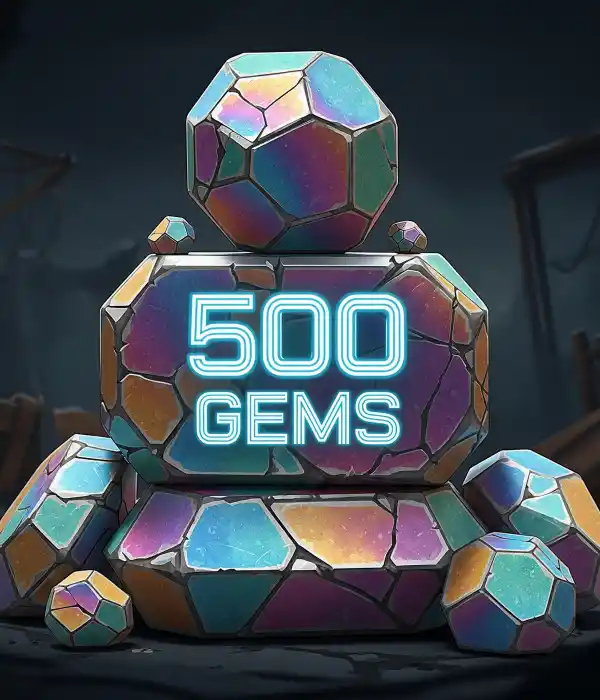
500 GemsStarter Gems
100 + 20 GoldGold pack
1000 GemsDaily Gems
200 + 50 GoldExtra Gold
2000 GemsBalanced Gems
480 + 100 GoldMid Gold pack
750 + 150 GoldHigh Gold pack
5000 GemsLarge Gems
1325 + 275 GoldWide Gold pack
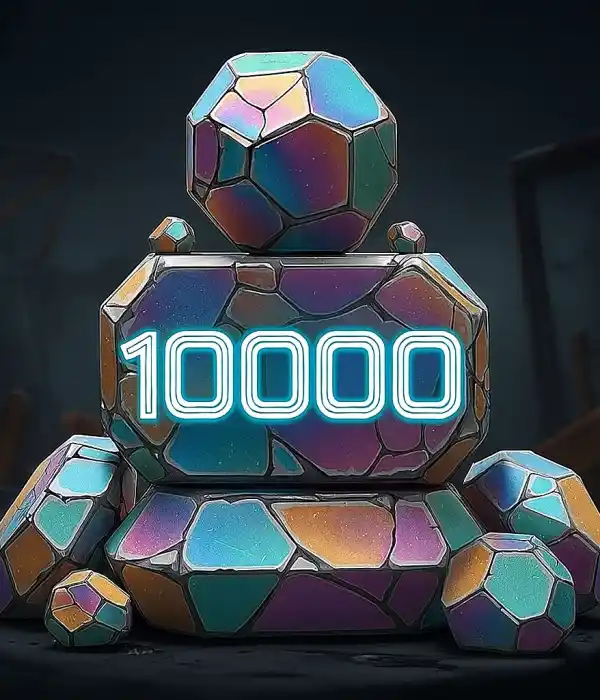
10000 GemsHighest Gems

📌 Category Information

FeatureDetail
PlatformLeft To Survive
RegionGlobal
Product TypeTopUp
Required InformationUser ID
Compatible PlatformsAndroid, iOS and PC
DeliveryAutomatic account loading

🎯 What Can You Do with Left To Survive Packages?

Base Upgrades: Use packages to strengthen your base, improve defense preparation, and support resource planning.
Equipment Preparation: Use Gems and Gold to advance weapons, characters, and combat preparation faster.
Offer Packages: Benefit from periodic advantages with Weekly Offer and Montlhy Offer options.
PvE and PvP: Support your account securely for daily missions, competitive battles, and survival progress.

🛒 How to Buy a Left To Survive Package?

1

Choose Package

Select the Gems, Gold, or Offer package that fits your needs.

2

Enter User ID

Type the User ID of your Left To Survive account correctly.

3

Pay

Complete your order with Durmaplay’s secure payment infrastructure.

4

Load to Account

After payment approval, the selected Left To Survive package is automatically added to your account.

✅ Why Durmaplay?

Fast Process

The order flow moves practically with automatic loading.

🔒

Secure Payment

You can complete your payment securely through Durmaplay infrastructure.

🆔

User ID

The process is completed with the required information without sharing your password.

📞

After-Sales Support

You can get support after your order when needed.

🧟 Buy a Left To Survive Package Now

Upgrade your base, support equipment preparation, and make your Left To Survive experience more advantageous.

View Left To Survive Packages

❓ Frequently Asked Questions

What are Left To Survive Gems and Gold?

They are in-game values used for base upgrades, equipment preparation, special offers, and in-game progress in Left To Survive.

Is a password required for loading?

No. You only need to enter your User ID during the order.

Which platforms are supported?

Products are listed for Android, iOS, and PC Left To Survive accounts in the Global region.

What happens if I enter incorrect information?

An incorrect User ID may cause the loading to be delivered to the wrong account.

⚠️ Important Notes

Always check your User ID before ordering.

Refunds may not be available for completed digital loading transactions.

Check your account’s Global region and platform compatibility.

Do not share your password with anyone; the process is completed through User ID information.

Loading...