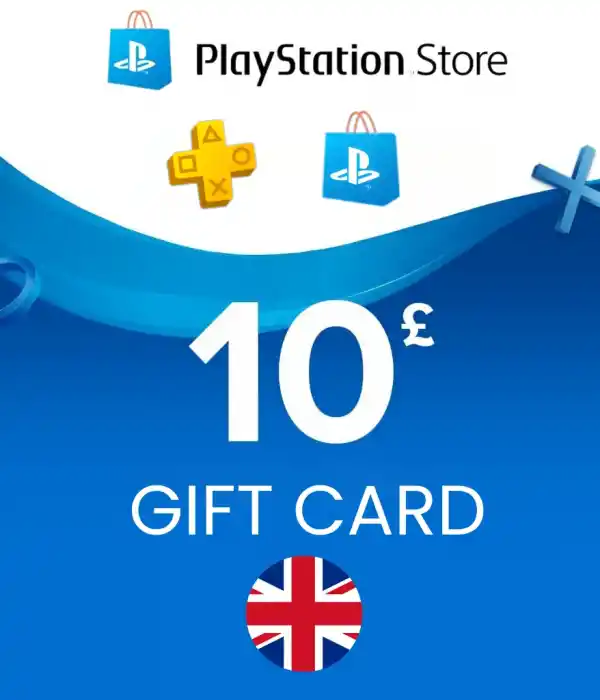
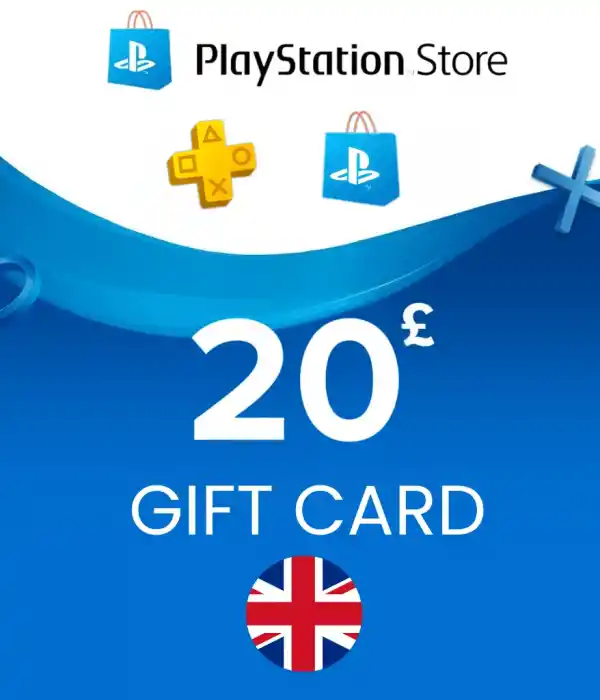
Complete the PlayStation Gift Card UK purchase process quickly and securely via Durmaplay.PSN Gift Card codes specific to the UK region are delivered digitally.To purchase PS5 and PS4 games, DLC, in-game content and subscriptions via PlayStation StoreCheck out the 10 GBP, 20 GBP, 50 GBP and 100 GBP options.
⚡ Fast Digital Delivery🇬🇧 England UK Region💷 GBP Balance🔑 Digital Code🛡 Secure PaymentPlayStation Gift Card UK,PlayStation Network accounts in the UK regionIt is a digital gift card used to add GBP balance.
Digital games on PlayStation Store with the balance added to your account,You can purchase game add-ons, DLCs, in-game currency, applications and appropriate subscription options.
The product is not sent physically. The PSN UK code you purchase is delivered digitallyand activated on the compatible PlayStation Network account.
Codes in this category are onlyFor PlayStation Network accounts registered in the United Kingdomshould be used. The code may not work on PSN accounts registered in Turkey, the USA or another country.Be sure to check your account region before purchasing.
Once your payment is confirmed, your PlayStation Gift Card UK code will be delivered digitally.You can view your code via your order information without waiting for physical cargo.and you can use it on your PlayStation account.
PlayStation Gift Card UK prices may vary depending on the selected GBP amount and the current exchange rate.You can check the current PSN UK Gift Card prices on Durmaplay and purchase the option that suits your budget.
GBP 10 and GBP 20 for smaller PlayStation Store purchases,You can choose 50 GBP and 100 GBP options for games, packages or higher amount digital content.
Choose the product that suits your needs from 10, 20, 50 or 100 GBP options.
Complete the secure payment process by adding the product to the cart.
Receive your PSN UK code digitally after payment confirmation.
Activate the code on your UK PlayStation Network account.
PlayStation 5:Open PlayStation Store, enter the menu at the top right,Turn on “Redeem Codes” and enter your digital code.
PlayStation 4:Open PlayStation Store, click on the button at the bottom of the left menu.Enter the “Redeem Codes” option and confirm your code.
On the web:Sign in with your UK region PlayStation Network account,Activate your digital code from the code redemption section.
To add GBP balance to your UK region PSN accountChoose the PlayStation Gift Card UK package that suits your needs,Receive your digital code quickly.
Select UK PSN CardAfter your order and payment are confirmed, the product is delivered as a digital code.Physical shipping is not possible.
The code must only be used on PlayStation Network accounts registered in the United Kingdom.It may not be enabled in different region accounts.
Digital games, DLC, in-game content via PlayStation StoreYou can purchase subscription options suitable for your application and account.
Yes. As long as the account region is England, the code will beavailable on PS5 or PS4 on a compatible PlayStation Network account.
The way the cards are used is the same. The difference between them isThe amount of GBP balance that will be added to your PlayStation Network account.
Once the valid code is successfully assigned to the account in the correct region,The GBP balance is added to your PlayStation Network wallet.
Once the digital code is delivered, no refund or exchange can be made due to the nature of the product.You should check the region and card amount before purchasing.
⚠ This product is for UK / UK region PlayStation Network accounts only.
⚠ Check the country and region information of your PSN account before purchasing.
⚠ Digital codes are for single use and should not be shared with third parties.
⚠ Codes used due to wrong region or wrong product selection cannot be refunded.
⚠ There are no refunds or exchanges on delivered digital codes.
⚠ PlayStation Store contents and terms of use may be changed by Sony.