PlayStation NO

🎮

PlayStation NO Buy - PlayStation Network Digital Code

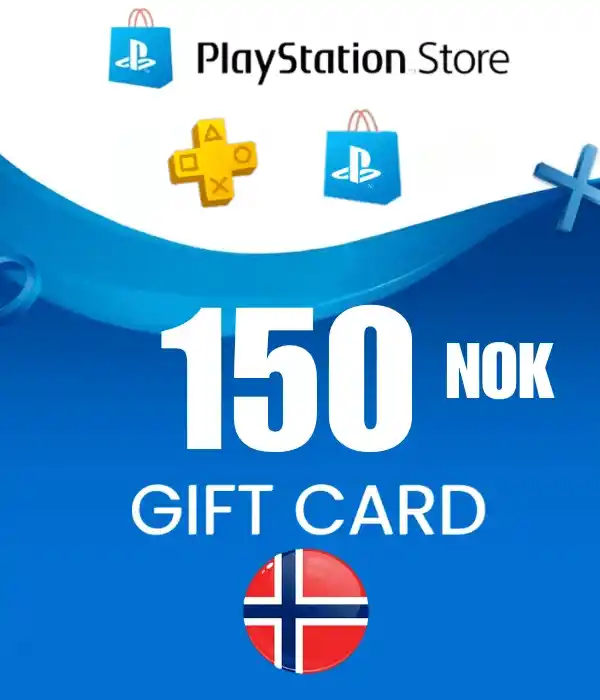
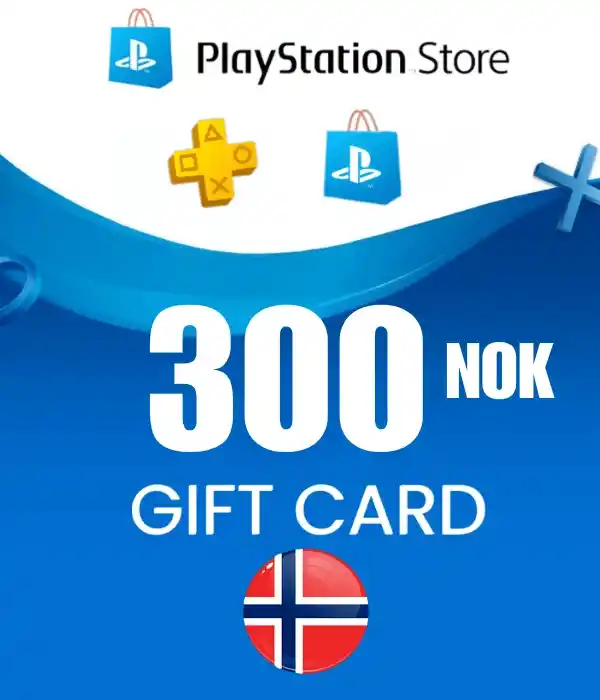
In the PlayStation NO category, you can safely buy PlayStation Network digital code options usable in the Norway region. The category includes 150 NOK, 300 NOK, 700 NOK, 1000 NOK, 1500 NOK PlayStation Network digital code options. After payment approval, the digital delivery process starts automatically.

⚡ Fast Digital Delivery🌍 NO Region🎮 PlayStation Network⭐ Digital Code🛡 Secure Payment

🎮 PlayStation NO What is?

PlayStation NO PlayStation NO consists of digital code products offered for compatible PlayStation Network accounts in Norway.

These codes can be used to add PlayStation Store balance, buy games and add-ons, or purchase eligible digital products on PlayStation Network.

Before ordering, check the amount, region information, and usage conditions in the product title.

🌍 NO Region Usage Information

PlayStation NO products are listed for the NO region. During code redemption, your PlayStation Network account country/region must match the product region.

⚡ Digital Code Delivery

After payment approval, the PlayStation NO Gift Card digital code is delivered automatically. No physical shipping is made; you can view the code through your order details.

⚠️ Check Region and Account Compatibility

PlayStation Network codes are region based. Make sure your PlayStation account is compatible with the NO region before purchasing.

💰 PlayStation NO Prices 2026

PlayStation NO prices may vary depending on the selected amount, supply conditions, and current exchange rates. Compare current prices on Durmaplay and choose the digital code that fits your needs.

Daha düşük tutarlı seçenekler hızlı bakiye ihtiyacı için, daha yüksek tutarlı seçenekler ise daha kapsamlı PlayStation Store alışverişleri için tercih edilebilir.

📦 PlayStation NO Product Options

150 NOK
NO
NO region digital code
300 NOK
NO
NO region digital code
700 NOK
NO
NO region digital code
1000 NOK
NO
NO region digital code
1500 NOK
NO
NO region digital code

🔍 Category Summary

1

Select Product

Choose the NO region digital code option that fits your needs.

2

Check Region

Make sure your PlayStation account is compatible with the NO region.

3

Complete Payment

Add the product to cart and complete secure payment.

4

Redeem Code

Activate your digital code on your PlayStation Network account.

🛒 PlayStation NO How to Buy?

Web: Sign in to your PlayStation account, open the redeem code section, and enter the delivered digital code completely.

Console: Go to the redeem code area in the PlayStation Store menu and confirm your code.

During redemption, account region and product conditions may be checked.

🔑 How to Redeem a PlayStation Network Code

🎮 Buy digital games from PlayStation Store.
🧩 Access eligible add-ons and content.
💳 Add PlayStation Store balance to your account.
🌍 Use digital products suitable for the NO region.
⚡ Receive your code quickly after payment approval.
🔐 Place orders with secure shopping infrastructure.

🎮 PlayStation NO Buy

Select your PlayStation Network digital code suitable for the NO region, complete payment, and receive your code quickly.

View Products

✅ Why Buy From Durmaplay?

When is the code delivered?

After payment approval, the digital code is delivered automatically. No physical shipping is made.

What does NO region mean?

It means the code is listed for PlayStation Network accounts compatible with Norway / NO.

Can I use the code in another region?

PlayStation Network codes may be regional. If your account region does not match the product region, the code may not work.

📌 Important Notice

PlayStation NO products should only be selected for PlayStation Network accounts compatible with the relevant region.

Choosing the wrong region may prevent code redemption.

Loading...