Yoyo Coins

💎

Buy Yoyo Coins

Enhance your in-app experience with Yoyo Coins! Safe, fast and easy top-up with User ID. Coins packages are credited to your account after payment.

⚡ Fast Top-Up🆔 With User ID💬 Yoyo📱 iOS & Android💎 Coins

⚡ Fast Delivery with User ID

For Yoyo Coins orders, you only need to enter your User ID. You do not need to share your password. After payment is completed, your Coins package will be loaded to your User ID.

💎

💎 Enjoy More with Yoyo Coins

With Yoyo Coins, you can benefit more from gifts, interactions and premium features inside the app. Choose the package that suits you and easily boost your account.

💎 Yoyo Coins Packages
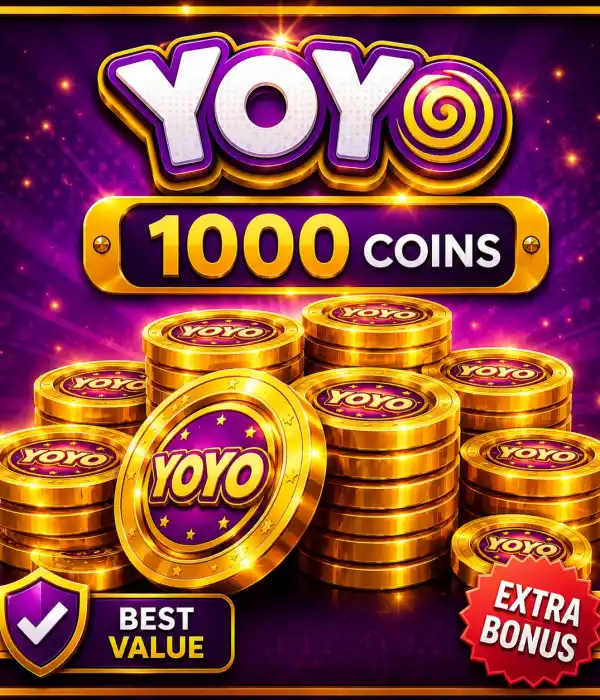
🪙1.000Coins
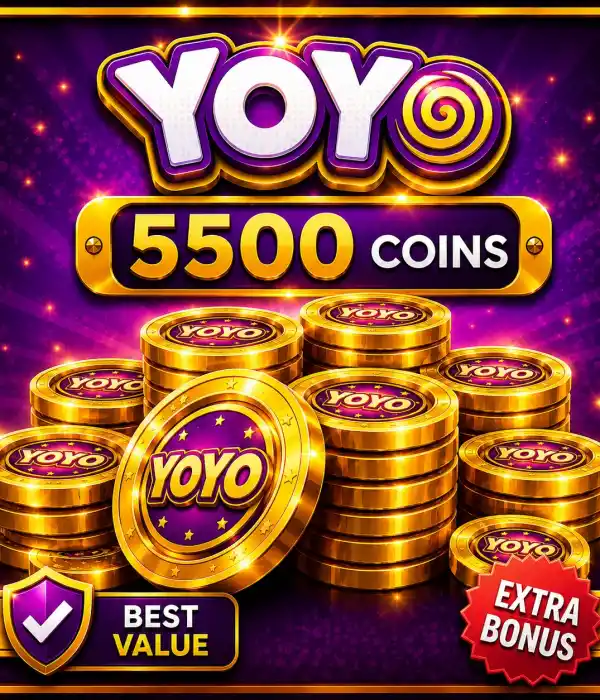
🪙5.500Coins
🪙40.000Coins
🎯 What Can You Do with Yoyo Coins?
🎁 Send Gifts

You can send digital gifts to users you like inside Yoyo.

💬 More Interaction

You can use your Coins balance in live streams, chats and social interactions.

🌟 Premium Experience

You can benefit more comfortably from special options inside the app.

🚀 Easy Usage

The loaded Coins become ready to use in your account.

💬 What Are Yoyo Coins?

Yoyo Coins are the digital currency used in the Yoyo app. Users can use their Coins balance for social features, gifts and various interactions inside the app.

You can easily buy Yoyo Coins on Durmaplay. Enter your User ID correctly during the order process and benefit from a fast and secure top-up experience.

🆔 What Is User ID and How Can You Find It?
1

Open Yoyo

Log in to the Yoyo app.

2

Go to Profile

Open the account or profile section.

3

Copy Your User ID

Carefully copy the User ID linked to your account.

4

Place Your Order

Choose your package on Durmaplay and buy it by entering your User ID.

🛒 How to Buy?
1

Select Package

Choose the Yoyo Coins package that suits your needs.

2

Enter User ID

Enter your Yoyo User ID correctly.

3

Make Payment

Complete the secure payment steps.

4

Delivery

Your Coins package will be loaded to your account.

✅ Why Choose Durmaplay?

⚡ Fast Delivery

The top-up process starts quickly after payment.

🆔 Password-Free Process

Only User ID is required. You do not need to share your password.

💎 Suitable Packages

Yoyo Coins packages suitable for different needs are available.

🔒 Secure Shopping

Secure transactions with SSL-protected payment infrastructure.

📱 Mobile Friendly

Easy purchase experience for iOS and Android users.

📞 Support

Our support team helps you during the order and top-up process.

💎 Buy Yoyo Coins Now!

Choose your Coins package for more interaction and enjoyable use in the Yoyo app, enter your User ID and complete your order with secure payment.

💎 Buy Coins
❓ Frequently Asked Questions

What are Yoyo Coins?

Yoyo Coins are the digital currency used in the Yoyo app. They can be used for in-app gifts, social interactions and various features.

How is the top-up made?

The top-up is made via User ID. You only need to enter the User ID linked to your Yoyo account correctly during the order.

Do I need to share my password?

No. When buying Yoyo Coins on Durmaplay, you do not need to share your password. The process is completed only with User ID.

What happens if I enter the wrong User ID?

If you enter the wrong User ID, the top-up may be delivered to a different account. Please carefully check your User ID before placing your order.

Which package is suitable for me?

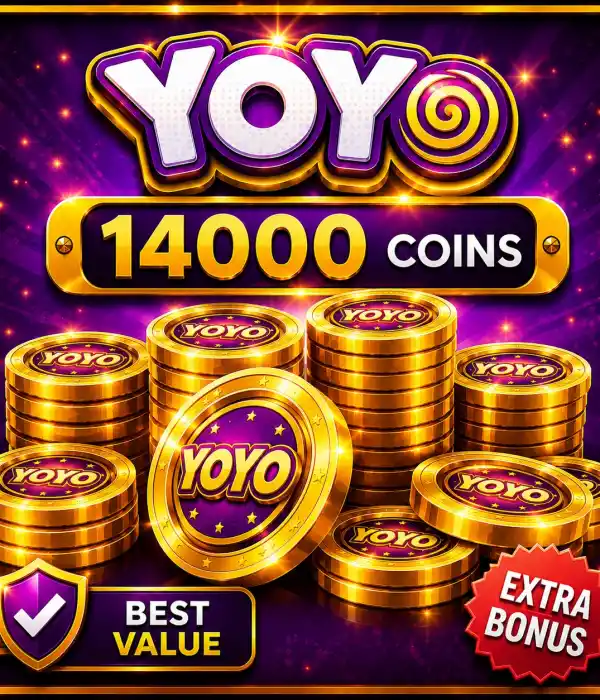
For light use, you can choose 1,000 Coins. For more active use, 5,500 or 14,000 Coins may be preferred. For heavy use, the 40,000 Coins package can be selected.

How long does delivery take?

After payment approval, the top-up process starts quickly. Delivery time may vary depending on order volume.

⚠️ Important Notes

  • Make sure you enter your User ID correctly when placing an order.
  • Top-up is made only via User ID; no password is requested.
  • Digital products cannot be refunded after delivery is completed.
  • Make sure your Yoyo account is active and accessible.
  • Check the product name and Coins amount before selecting a package.
  • The user is responsible for errors caused by entering the wrong User ID.
Loading...