
Asia Activation Scope
These are region-restricted Steam codes that can be activated in JP, KR, ID, TH, IN, PH, MY, VN, and SG. They are not GLOBAL.

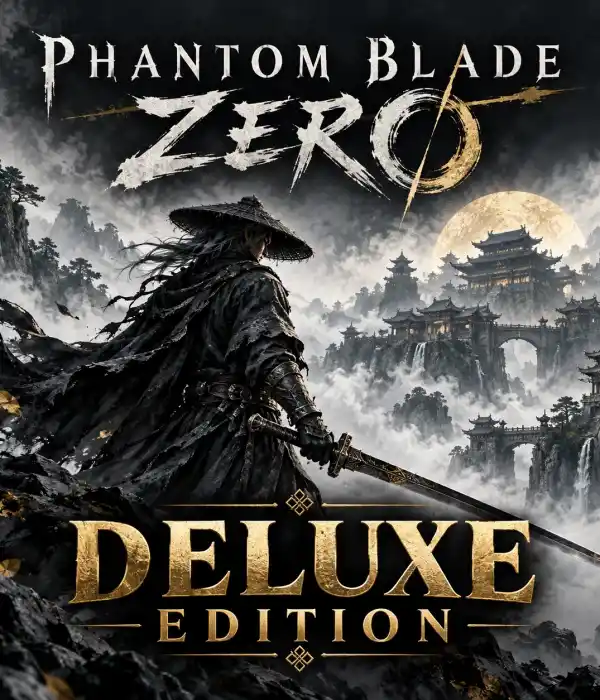
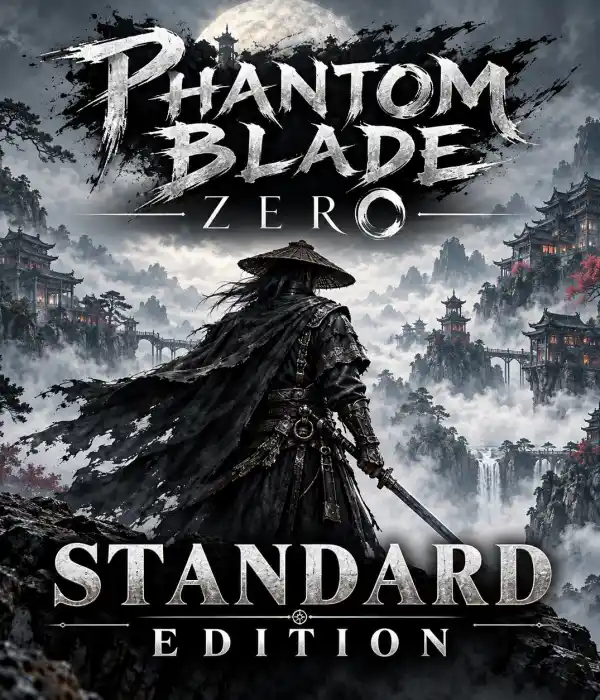
 Phantom Blade Zero
 Valorant Points
 Bigo Live
 IMO Diamonds
 SUGO
SUGO Xena Live
 Chamet
 SUPERLIVE
 Grand Theft Auto VI
 Razer Gold
 Diablo 4 Platinum
 Riders of Icarus Gold
 Rise Online
 Indiana Jones and the Great Circle
 Diablo Immortal
 GAİN Subscription
 Call of Duty Mobile CP
 Sea Of Thieves
 Diablo Immortal Platinum
 Istanbul Doomsday TimePHANTOM BLADE ZERO
VALORANT POİNTS
BİGO LİVE
IMO DİAMONDS
SUGO
XENA LİVE
CHAMET
Istanbul Doomsday TimePHANTOM BLADE ZERO
VALORANT POİNTS
BİGO LİVE
IMO DİAMONDS
SUGO
XENA LİVE
CHAMET

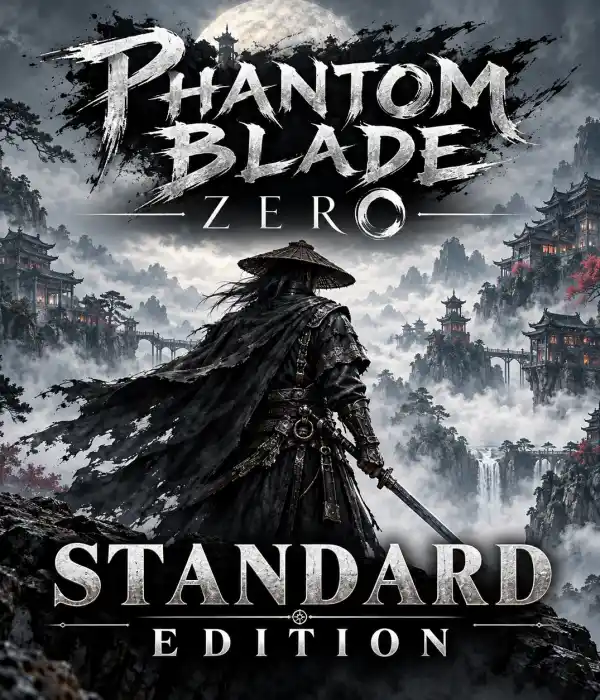
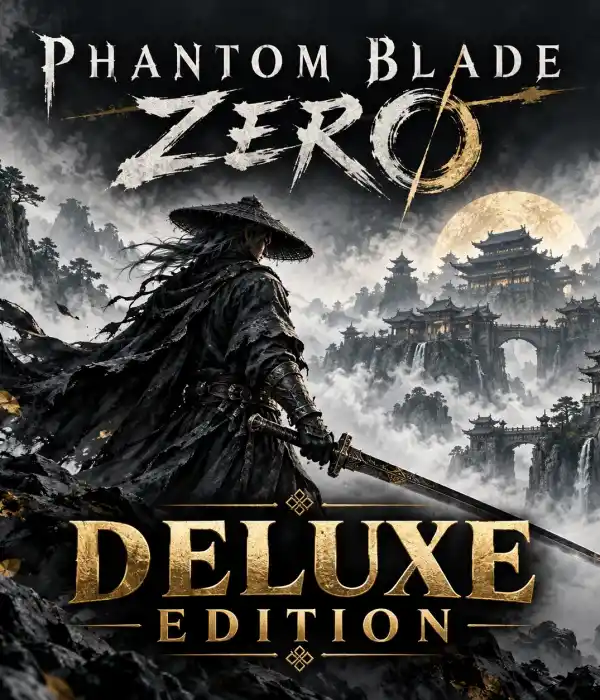
Compare the Standard Edition and Deluxe Edition preorder editions for PC / Steam with REGION A, REGION B, and GLOBAL activation options.
In the category, the Standard Edition and Deluxe Edition editions are each offered with three different activation scopes. Check the edition and region information together before purchasing.
These are region-restricted Steam codes that can be activated in JP, KR, ID, TH, IN, PH, MY, VN, and SG. They are not GLOBAL.
These are Steam codes specific to the REGION B coverage, which includes Türkiye. Check the detailed list of eligible countries in the product description.
These editions are offered for activation worldwide through Steam. Local publisher and account-country requirements must still be checked.
These products are covered by PRE-ORDER. The code is delivered when the actual product codes become available; an exact delivery date or time is not guaranteed.
| Edition | Platform | Activation | Status |
|---|---|---|---|
| Standard Edition | PC / Steam | REGION A | PRE-ORDER |
| Deluxe Edition | PC / Steam | REGION A | PRE-ORDER |
| Standard Edition | PC / Steam | REGION B | PRE-ORDER |
| Deluxe Edition | PC / Steam | REGION B | PRE-ORDER |
| Standard Edition | PC / Steam | GLOBAL | Out of stock |
| Deluxe Edition | PC / Steam | GLOBAL | PRE-ORDER |
Select your preference between Standard and Deluxe Edition.
Check that your Steam account country matches the selected activation scope.
Review the current stock and availability status on the product card.
When the code is ready, use the product activation screen in the Steam client.
No. REGION A, REGION B, and GLOBAL options are available as separate products in the category.
REGION B products include Türkiye. Check the country list in the product description before purchasing.
Since the products are preorders, delivery depends on the availability of the actual code stock. An exact date or time is not guaranteed.
The products are listed under different edition names. Review the description of the product you select for the package contents.
Compare the Standard and Deluxe Edition options, verify your Steam account region, and check the stock status.